Flight Information Display System (FIDS)
| Company | Simpleway |
|---|
Images
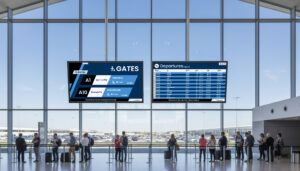
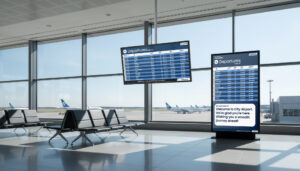
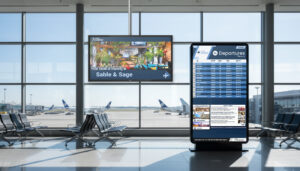
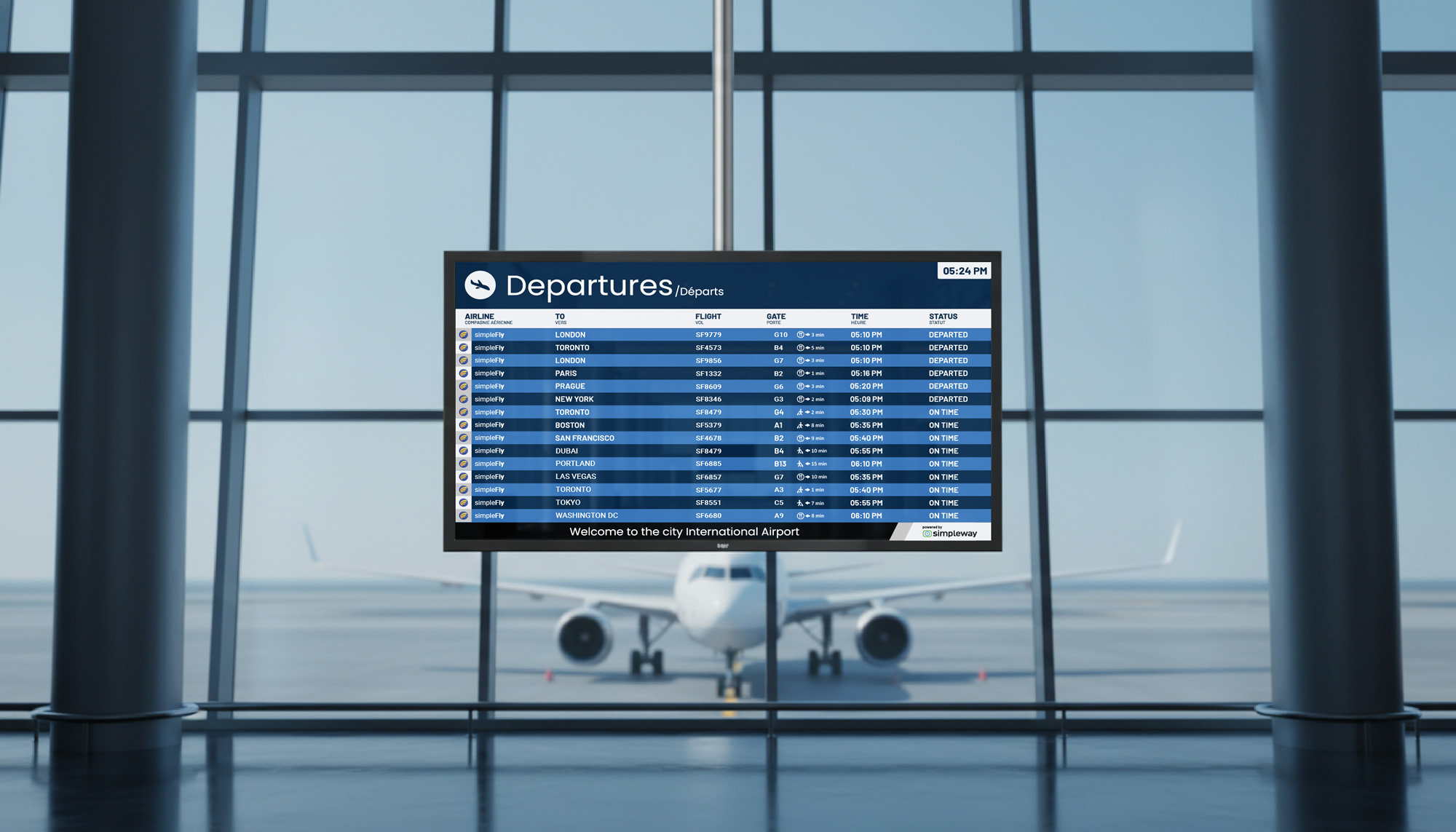
The Simpleway Flight Information Display System (FIDS) runs every flight-facing screen in your airport, from arrival and departure boards to check-in, gate, and baggage reclaim displays. Flight data flows in automatically from the AODB and appears on every screen that needs it, in the right layout for each display. Operators do not key in flights; the system does that from the data, and they step in only to adjust when a situation calls for it.
Key benefits:
- Build arrival and departure flight lists fast with the List tool, which repeats one line design across the whole list
- Check-in and gate screens switch to the assigned airline’s branding automatically, or show a clean default flight display
- Fill idle screens with advertising when no flights are due, turning display time into revenue
- Run flight information and advertising together on a split screen, sized to your priorities
- Mix LED, LCD, video wall, and e-paper displays on one system
- Show more than flights: dynamic wayfinding, live TV, video, and safety messages on the same screens
How it works:
FIDS manages a complete information lifecycle, not just screen content. Flight data arrives from the AODB and the system takes care of how it appears on every type of display where it is relevant, so a single flight change flows to the departure board, the gate screen, and the baggage display within seconds. Operators oversee it and can adjust or override a flight when needed, but the routine runs itself. Arrival and departure flight lists are the core of it, used by passengers and by staff, who can get dedicated lists carrying extra operational detail. The List tool makes these quick to build.
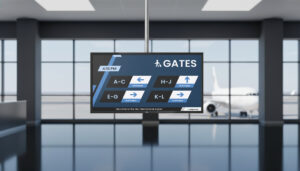
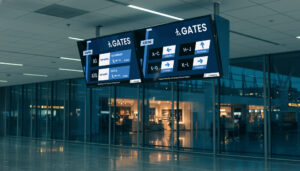
Templates adapt to the airline. At check-in, a screen shows the airline’s own design when there is one and a clean real-time flight display when there is not. Gate screens switch automatically to the design of the airline assigned to that gate. You can run separate arrival, and departure lists or a split-screen format showing both, and during quiet periods when no flights are due, the same screens can carry advertising, which turns idle display time into revenue.
The displays can show any content: flight lists, dynamic navigation, static and video graphics, even live TV. FIDS is hardware neutral, so you can mix LED, LCD, video walls, and e-paper on one system and run it zoned or airport-wide. Content pulls live from the AODB, RMS, or other feeds and updates within seconds, and the tables feature lets you change what a screen shows without editing the underlying template.
Staff work through role-based interfaces. Check-in agents set counter status, class assignments, and branding from CheckinUI, and those changes carry through to related wayfinding screens. Accessibility is built in: the text of each announcement can appear on screen through visual paging, alongside a sign language module. Simpleway can design your templates with you during onboarding, and your team adjusts them afterward as much as it wants.
- Screen types: arrivals, departures, check-in, gate and boarding (GIDS), baggage reclaim (BIDS), wayfinding
- Flight lists: List tool for fast arrival and departure lists; separate passenger and staff lists
- Templates: airline-specific auto-switching at check-in and gate; split-screen flight-and-advertising; drag-and-drop designer
- Content types: flight data, dynamic navigation, images, video, live TV, safety and emergency messages
- Data: live AODB, RMS, and external feeds; updates in seconds; tables feature for template-free updates
- Display support: LED, LCD, video walls, e-paper; hardware neutral; zoned or airport-wide; EVIDS compatible
- Advertising: split-screen and idle-period ad playback for revenue
- Accessibility: visual paging, sign language module, ADA and ATPDR compliant
- Interfaces: role-based (CheckinUI, GateUI, OpsUI)
- Power management: automatic screen power-down by schedule and operations
Other Products From Simpleway
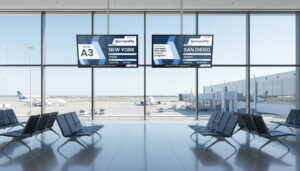
Airport CX: End-to-end Airport Communication Solution


Intelligent Voice Announcement System
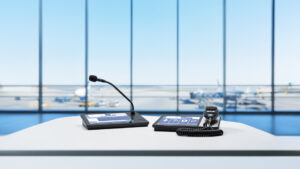
Touchscreen Microphone Stations (micnode2h/g)
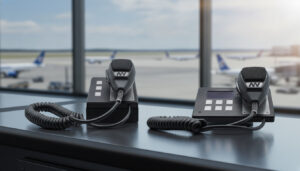
Compact Microphone Stations (micnode mini)