Digital Signage and Content Management System
| Company | Simpleway |
|---|
Images
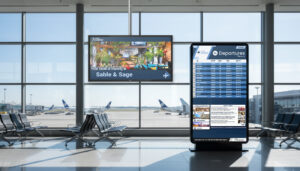


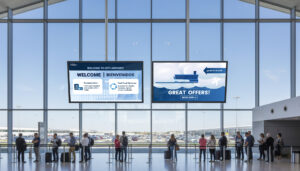
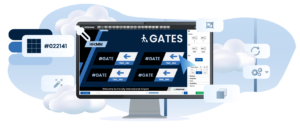
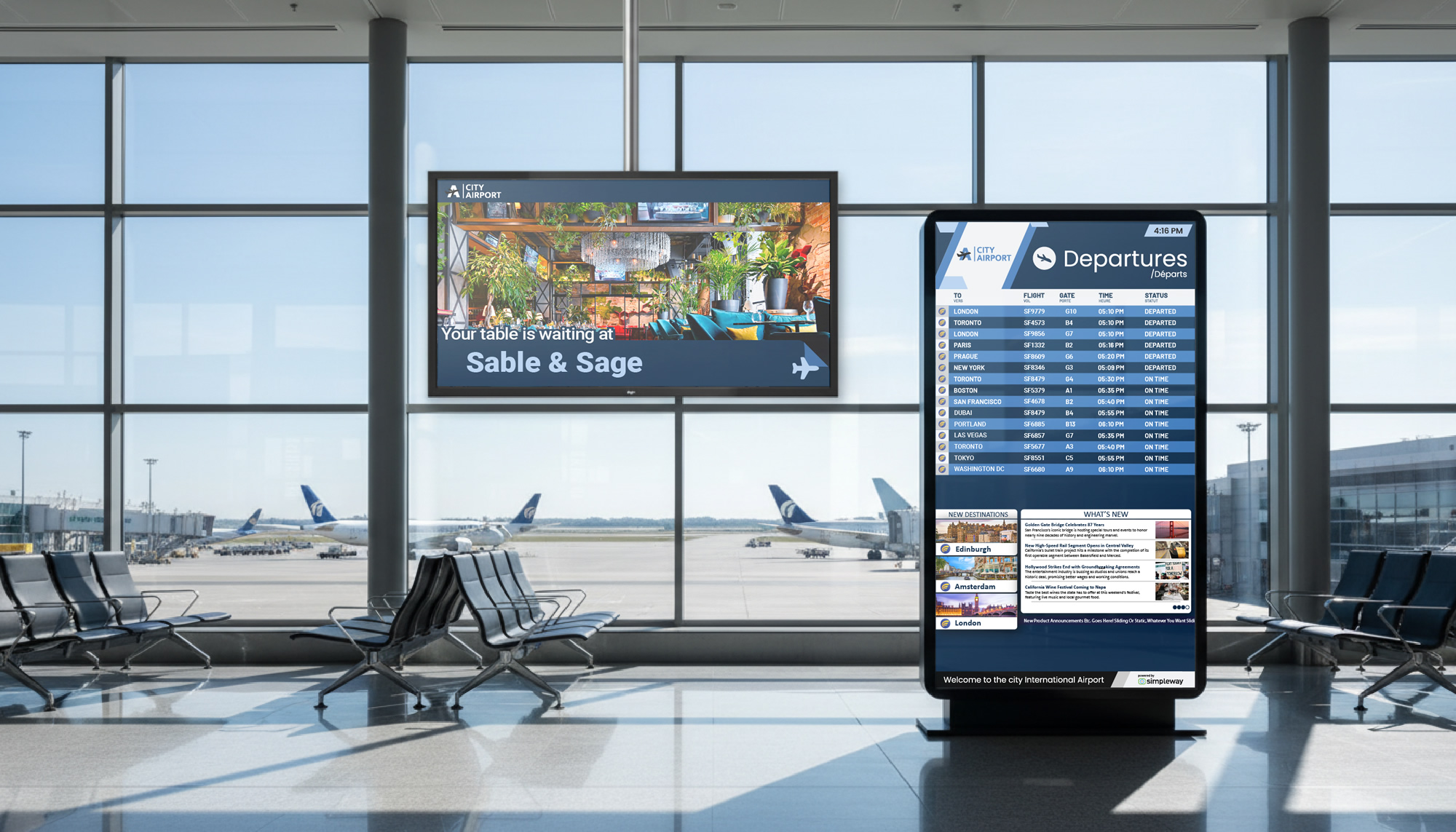
The Simpleway Digital Signage and Content Management System is the software behind every screen in your airport. Flight displays, wayfinding, gate and check-in screens, advertising, and brand content all run from one CMS, so the whole terminal is managed in one place instead of through separate systems. Prague Airport runs 1,400 displays this way, from a single content management system.
Key benefits:
- Build professional displays in minutes with a drag-and-drop designer, no graphic design skills and little training
- Run any commercial display, Samsung, LG, NEC, Sony, plus native on smart screens and LED video walls
- One CMS for every screen function: flight information, wayfinding, advertising, and brand content
- Turn idle screen time into advertising revenue
- Show multiple languages and alphabets on the same screen
- Cut energy costs and extend screen life with automatic display power management
How it works:
At the center is a drag-and-drop template designer. Your team builds display layouts from a library of ready-to-use templates, or our designers build custom templates matched to your branding during onboarding and your staff adjust them afterward. User rights are set by role, so each person can create, publish, schedule, or override only what their job allows. Content pulls live from the AODB, RMS, or other feeds and updates on its own, and you schedule and publish across one screen or hundreds by zone, date, or event. A one-click emergency override switches every display to disruption or safety messaging at once.
The CMS shows any content: flight data, dynamic wayfinding, images, video, live TV, weather, and maps. It supports multiple languages and alphabets on one screen, including Latin, Arabic, Cyrillic, and Chinese.
It is hardware neutral and connects three ways, so you match each screen to the right method. Display controllers drive any commercial display with an HDMI input, from older 1080p monitors to new 4K screens. Smart displays run Airport CX natively on Samsung Tizen and LG webOS with no external controller. Large-format LED boards from suppliers like Daktronics connect through API. The system also manages video walls, from a small wall to a large LED matrix, with content scaled and synced across the screens.
The advertising module turns display space into revenue. Run ads on a split screen alongside flight information or on dedicated advertising displays and video walls, then measure playback, duration, and impressions with reporting you can export to tools like Power BI.
Displays power down automatically during off-hours and follow actual flight operations. When a terminal closes for the night, its screens turn off, which saves energy and extends hardware life. Schedule power by single display, zone, or whole terminal.
- Content designer: drag-and-drop template designer, ready-to-use template library, custom templates by Simpleway
- User management: role-based rights (create, publish, schedule, display group management, manual override)
- Content types: flight data, dynamic wayfinding, images, video, live TV, weather, maps
- Languages: multiple languages and alphabets on one screen (Latin, Arabic, Cyrillic, Chinese, and more)
- Data sources: live AODB, RMS, and external feeds; scheduling by zone, date, or event
- Emergency: one-click override to disruption or safety messaging across all displays
- Display connectivity: HDMI controllers (Samsung, LG, NEC, Sony); native on Samsung Tizen and LG webOS; LED boards (Absen, Daktronics, Watchfire) via API
- Video walls: scaled and synced content across multi-screen installations
- Advertising: split-screen and dedicated ad displays; playback, duration, and impression reporting; Power BI export
- Power management: automatic display power-down by display, zone, or terminal
Other Products From Simpleway

Airport CX: End-to-end Airport Communication Solution

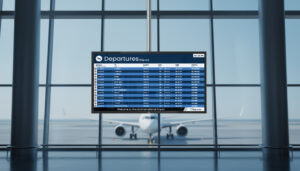
Flight Information Display System (FIDS)

Intelligent Voice Announcement System

Touchscreen Microphone Stations (micnode2h/g)